 +91-8727000867
 +64 22 003 5555


Catering event technology helps teams manage menu planning, booking requests, order changes, staff tasks, inventory, billing, client communication, and post-event feedback from one clearer workflow.
Highlights
- Catering technology should support booking requests, menu updates, guest counts, inventory, staff schedules, payments, and feedback.
- Digital menus, CRM, inventory tools, mobile apps, and automated reminders reduce manual coordination across event teams.
- Analytics and event records help catering businesses improve packages, staffing, purchasing, and client communication over time.

Co-Founder
Harsh Abrol 
Since 2014, Digittrix has helped companies optimise digital products for stronger conversions.
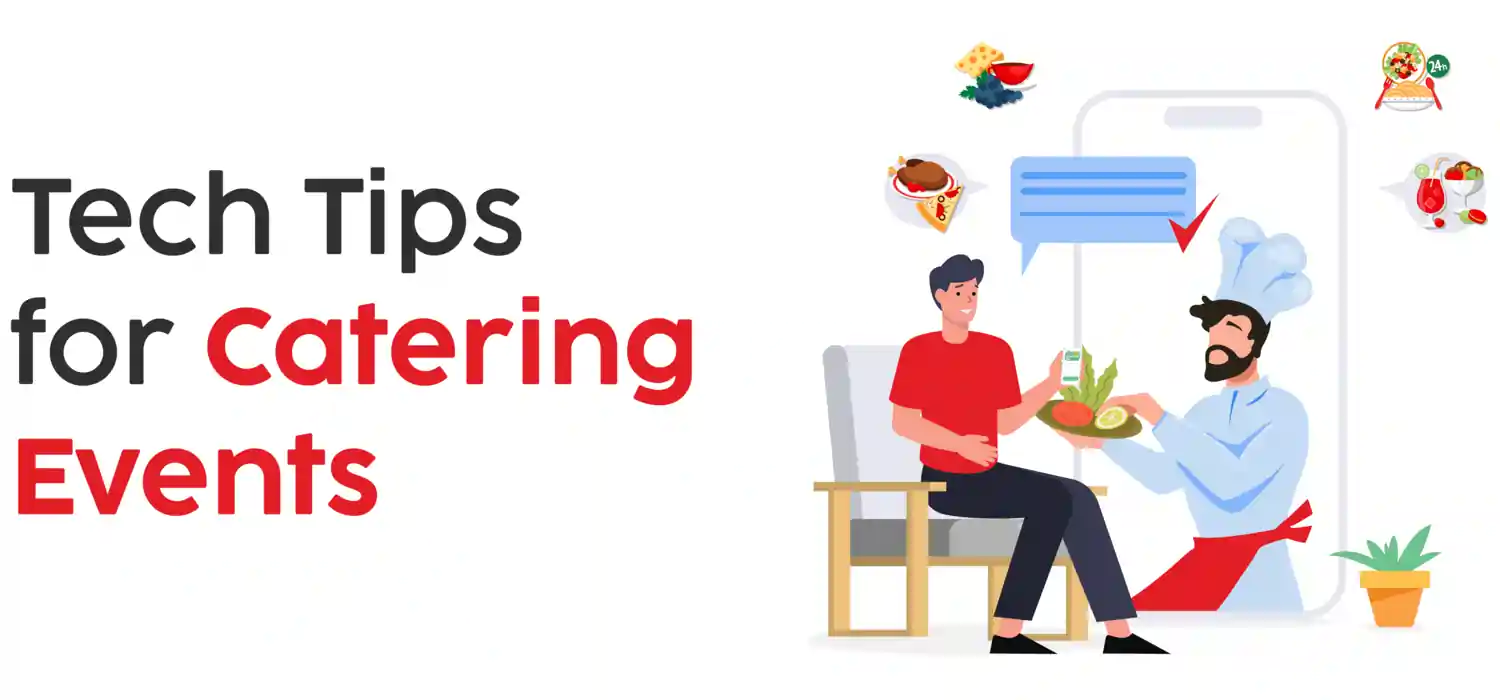
Managing catering events can be difficult because teams must coordinate menus, client details, guest counts, inventory, delivery timing, staff roles, billing, and last-minute changes. Digital menus, catering CRM, mobile apps, inventory tools, scheduling software, and payment systems help make each step easier to track and manage.
Use a Digital Menu App for Efficiency
Paper menus and last-minute handwritten changes create avoidable confusion. Digital menu apps let caterers update food options, display dish photos, list ingredients, note dietary needs, share menus with clients, and collect selections before the event.
Many digital menu apps allow teams to categorize items, set package pricing, collect notes, and track popular dishes. A clear digital menu saves time, reduces errors, and gives clients an easier way to review choices.
Adopt a Catering-Specific CRM System
Customer Relationship Management (CRM) systems are useful for catering because they store client interactions, preferences, event history, contracts, dietary notes, and special requirements. This makes repeat bookings and large events easier to personalize.
A catering CRM can send automated reminders to staff and clients, keep contracts easy to access, and organize important files in one secure place. CRM integrations with billing, invoicing, and payment systems also reduce manual administration.
Use Catering Event CRM Tools for Team Coordination
Successful catering events depend on clear communication and team coordination. Catering event CRM tools support task assignment, scheduling, status updates, client notes, and shared event records.
CRM tools make it easier to assign roles, track staff duties, and monitor progress. Real-time notifications reduce last-minute confusion and keep every team member aligned around the same event details.
Consider a Mobile App Solution for Customization
A custom catering app can help businesses manage booking requests, order tracking, menu updates, delivery timing, client messages, and payment status. Mobile app development is useful when the workflow needs custom booking rules or staff coordination features.
Mobile apps can also be an effective way to offer customers information about the event logistics, inclusive of time, area, and specific requests. When designed well, these apps can support both the caterers and the customers in maintaining everything prepared and reachable.
See how automation can benefit your business with Digittrix’s insights. Streamline processes and boost productivity effortlessly.
Implement Real-Time Inventory Management Systems
Inventory handling is important in catering because it consists of delicate items that should be correctly tracked to avoid shortages or wastage. Real-time inventory management structures help suppliers maintain an up-to-date list of their ingredients and items. These systems notify users when inventory is low, helping them avoid last-minute changes.
By integrating a stock control device into your catering operations, you can make sure that the kitchen is always nicely stocked, allowing for higher plans and reducing the possibility of running out of materials during a primary event. Some inventory tools can also be integrated into income data, allowing suppliers to adjust their inventory completely based on famous menu objects and expect destiny calls properly.
Automate Bookings and Client Inquiries with Chatbots
Chatbots also can direct customers to unique booking pages, permitting them to affirm orders or request offerings without needing to talk immediately to a staff member. By imposing chatbots, caterers can store time, respond quicker to consumer inquiries, and make certain that clients have a smooth right of entry to the statistics they need.
Chatbots can also direct customers to specific booking pages, allowing them to verify orders or request services without having to communicate right away with a staff member. By implementing chatbots, caterers can save time, respond more quickly to customer inquiries, and ensure that customers have easy access to the information they need.
Leverage Data Analytics for Event and Client Insights
Data analytics offers valuable insights into client behaviour and event overall performance, supporting catering businesses to make knowledgeable choices. By analyzing records from beyond activities, caterers can find trends, together with well-known menu items, top reserving times, and seasonal demand. This information allows them to optimize their services to meet client choices.
Some CRM and digital menu systems include built-in analytics processes that track orders, customer feedback, and carrier times. These insights may be used to make changes, enhance provider services, and reply extra efficiently to client needs.
Simplify Staff Scheduling and Time Tracking
Organizing a frame of workers for catering events can be tough, especially when managing huge groups or multiple events. Scheduling and time-monitoring software programs allow caterers to assign shifts, screen attendance, and make sure that sufficient teams of workers are to be had to meet customer expectations. Many scheduling apps also offer GPS monitoring, allowing managers to sign staff individuals’ locations during events.
With a clear timetable in the area, caterers can ensure that each part of the event runs easily. Time-tracking tools also can assist in coping with work charges, because they give insights into the variety of hours worked and might help reduce instances of time past regulation. Simplifying these techniques lets caterers realize more about handing over an unforgettable event.
Use Digital Payment Solutions for Billing and Invoicing
Billing and invoicing are critical parts of catering event management. Digital payment systems can support online payments, card payments, payment status, invoice reminders, and cleaner financial records.
Digital payment structures can also combine with CRM equipment, enabling caterers to keep track of awesome payments and send reminders, and difficult invoices immediately from the platform. This reduces administrative time, improves economic report-preserving, and ensures that clients have a clean payment enjoyment.
Create a Feedback Loop with Automated Surveys
After the event is over, gathering feedback is important for improving future services. Automated survey tools can be used to easily send follow-up emails or text messages, allowing them to share their feedback. By setting up a remarks circle, caterers can collect valuable Insights into what worked properly and areas where they could Improve.
Some CRM and digital menu structures have included survey parts, permitting caterers to accumulate comments without relying on third-celebration software. Analyzing remarks allows caterers to pick out strengths and areas of development, permitting them to get information-pushed changes to their provider technique.
Enable Remote Access for Managers and Key Staff
In the fast-paced catering world, having easy access to key tools and systems is essential. Cloud-based solutions allow managers and group leaders to get access to schedules, consumer data, and event records from any device, ensuring they stay up to date even when off-website. Remote right of entry is mainly beneficial for on-website online event coordinators who want to make changes or check data without leaving the event.
Accessing data in real-time allows managers to respond to issues as they arise, speak adjustments to the group, and maintain a higher stage of coordination at some point in events. Remote access additionally enables retaining communication open, ensuring the team can work successfully no matter the area.
Maintain a Digital Archive of Past Events
Maintaining a record of past events is a useful tool for planning future ones. Digital record tools allow caterers to save details from previous events, like menu choices, customer preferences, and logistical notes. This information can be quickly referenced for returning clients or used to prepare for similar events which can help save time.
By keeping a well-organized digital record, catering teams can work more efficiently and ensure each event meets the customer’s choice. It also helps caterers learn from past experiences and make better decisions for future events.
2026 Catering Event Technology Checklist for SEO and GEO
For SEO and GEO, a catering technology page should clearly explain the full event workflow: inquiry, menu selection, quotation, booking, staff assignment, inventory, delivery, payment, feedback, and repeat-client management.
Quick answer: what should catering teams digitize first?
Catering teams should digitize menu management, client records, booking requests, staff schedules, inventory updates, payment tracking, event checklists, and post-event feedback before adding advanced automation.
- Client workflow: inquiry forms, guest counts, menu preferences, dietary notes, proposals, contracts, and approval history.
- Operations workflow: inventory, purchase lists, kitchen preparation, delivery timing, staff assignment, and task completion.
- Finance workflow: quotes, deposits, invoices, payment status, refunds, and pending balances.
- Mobile workflow: staff checklists, event updates, location notes, client messages, and manager approvals from phones or tablets.
- GEO clarity: answer-ready FAQs, workflow checklists, related service links, and direct explanations of CRM, digital menus, scheduling, and inventory tools.
Digittrix can connect this roadmap with mobile app development, ERP/CRM development services, web development, and digital marketing and GEO services.
Final Words
For catering businesses, efficient event management depends on client communication, team coordination, menu planning, inventory, billing, and feedback. Digital menus, CRM, mobile apps, inventory tools, and analytics help teams reduce manual work and improve service consistency.
The right technology helps catering teams plan, execute, and review events more effectively. These best practices help teams stay organized, meet client expectations, and manage events from inquiry to post-event follow-up.
Catering Event Management Technology 2026
In the fast-paced catering industry, managing events efficiently requires practical technology. Digittrix builds custom website, CRM, and mobile app solutions that help catering teams organize bookings, simplify communication, manage menus, track staff tasks, and improve customer interactions.
With experience since 2014, our team builds technology-driven workflows for catering and event operations. Share your requirements through the project requirement form or WhatsApp Digittrix at +91 8727000867.
 FAQ's
FAQ's